
Greater Chicago
Our mission is to save lives by meeting the most critical needs of our communities and investing in breakthrough research to prevent and cure breast cancer.
Greater Chicago
Our mission is to save lives by meeting the most critical needs of our communities and investing in breakthrough research to prevent and cure breast cancer.
Need Help?
Call our breast care helpline to assist with finding local screening and diagnostic facilities or clinical research trials, requesting financial assistance, or other questions or care needs.
Get Involved
Help us reach our vision of a world without breast cancer by getting involved in our local community.
Susan G. Komen Chicago
Race for the Cure
Saturday, September 28, 2024
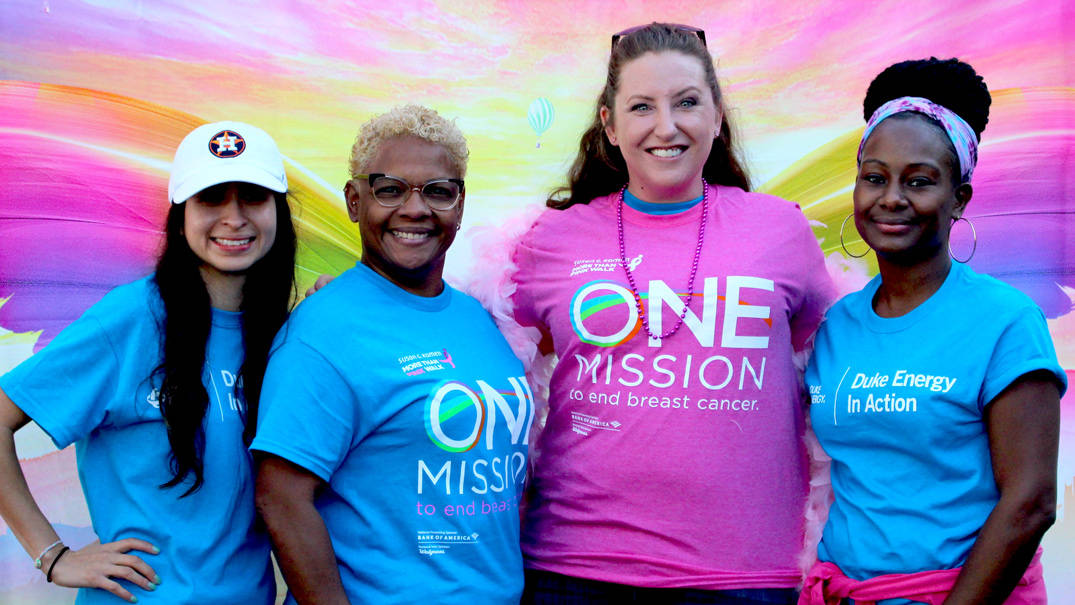
Join us Saturday, Sept. 28, for the 2024 Komen Chicago Race for the Cure. We are excited to come together at Soldier Field to celebrate the strength and resilience of all those impacted by breast cancer. Learn more about how you can help make a difference in the lives of the Chicagoland breast cancer community.
Contact us to learn more!
Have You Heard the Buzz About These BigWigs?
On May 1, community leaders from across Chicagoland launched a month of friendly competition, raising awareness and critical funds for Komen’s work, all while wearing a big pink wig.
Ending breast cancer needs all of us. Rally behind your favorite Komen BigWig before the campaign ends on May 31.
Contact us for details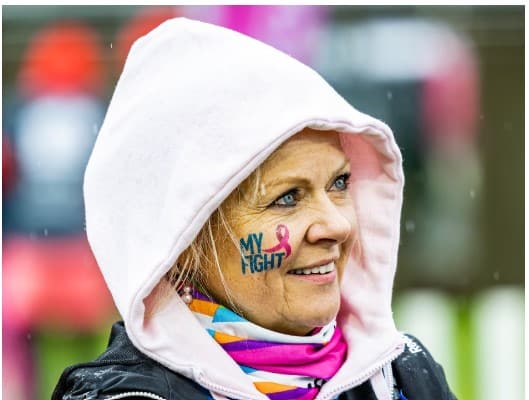
Share Your Story
Breast Cancer Moments
Sharing our stories helps us draw strength from one another. We invite you to share your own story to inspire, comfort, and support others.
We want to hear your story
Go Pink for the Cure
The fall MORE THAN PINK Walk season is ending and we’d like to thank all schools, sports teams and clubs that volunteered and fundraised in support of our vision of a world without breast cancer. Looking for more ways to engage? Organize a Go Pink for the Cure event.
Learn more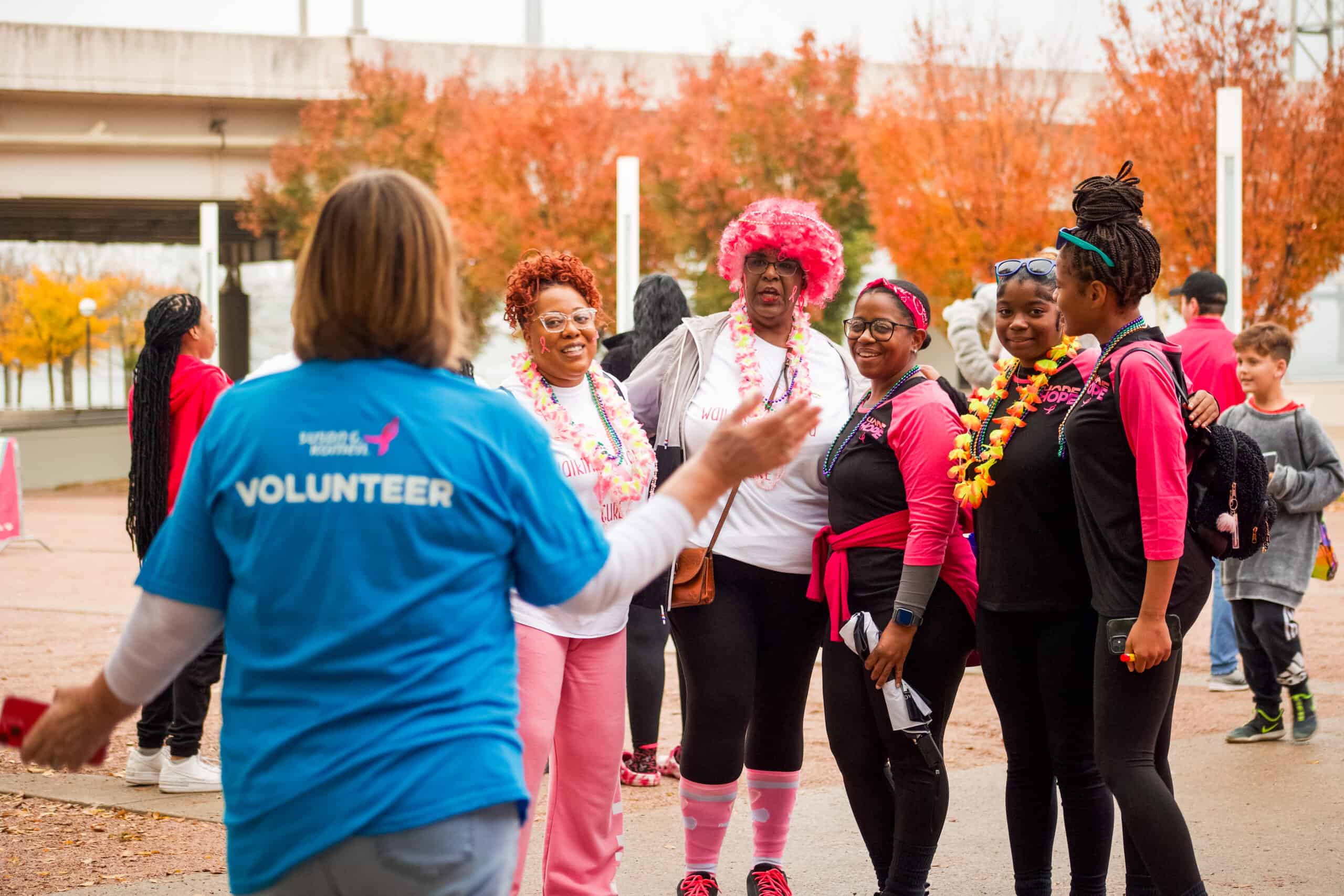
Volunteer & Make An Impact
Ending breast cancer needs all of us.
From serving as a local brand ambassador and raising critical funds for our mission programs to helping breathe life into our signature fundraising events like the MORE THAN PINK Walk, Race for the Cure, and BigWig celebrations, as well as educational events like the Metastatic Breast Cancer (MBC) conference and Advocacy Summit, we have unique volunteer opportunities for everyone who wants to help us create lasting change in the lives of those facing a breast cancer diagnosis.
Find a volunteer opportunity that suits your skills and interests, and join our passionate fight against breast cancer.
General Volunteer Interest Survey
Contact Us to Learn More
Local Events
Join the fight to end breast cancer by attending an event in Greater Chicago!
Questions? Contact Us

ShareForCures
Your breast cancer information is as unique as you are. When combined with thousands of other ShareForCures members, you provide scientists with a more diverse set of data to make new discoveries, faster.
Latest News & Information
Nikki’s Story: I’m Not Going to Let Cancer Steal My Sparkle
Nikki Anderson’s cancer journey began with a uterine cancer diagnosis in her 30s, which was followed by a breast cancer diagnosis six years later. She celebrates her journey by fundraising for the Komen 3-Day with Team Sparkle, inspired by her own adage: “I’m not going to let cancer steal my sparkle.”
The post Nikki’s Story: I’m Not Going to Let Cancer Steal My Sparkle appeared first on Susan G. Komen®.

Susan G. Komen® Peoria MORE THAN PINK Walk Raises Funds for Breast Cancer Patient Care Services in Illinois
Susan G. Komen®, the world’s leading breast cancer organization, will hold the Susan G. Komen Peoria MORE THAN PINK Walk on Saturday, May 11, 2024, at Metro Centre. This signature event enables Komen to raise critical funds that provide direct support to breast cancer patients, fund groundbreaking research, empower health equity initiatives nationwide, and advocate […]
The post Susan G. Komen® Peoria MORE THAN PINK Walk Raises Funds for Breast Cancer Patient Care Services in Illinois appeared first on Susan G. Komen®.
Greater Chicago
Contact Us
Susan G. Komen Greater Chicago
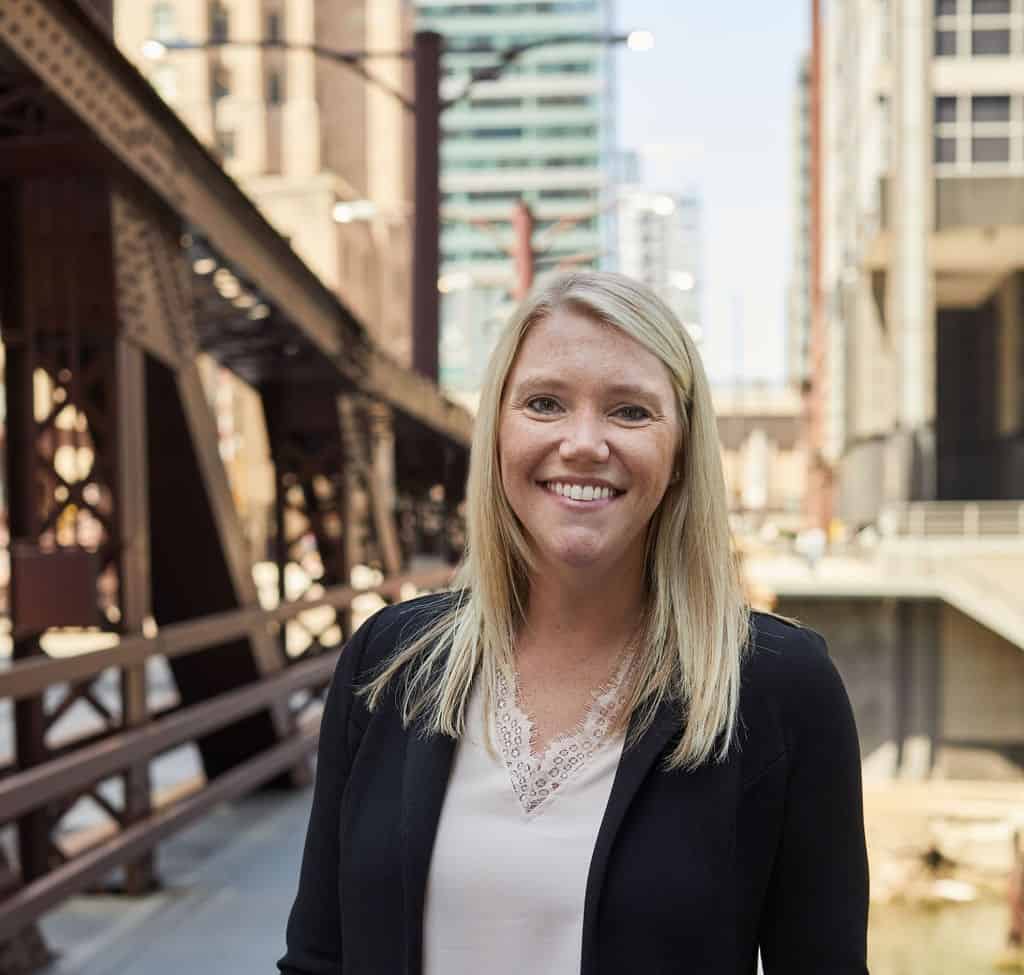
Executive Director: Jaclyn Groves
Email: jgroves@komen.org
Phone: 312-776-3361